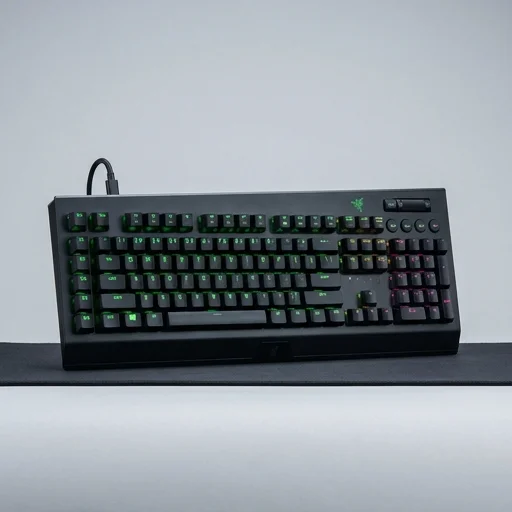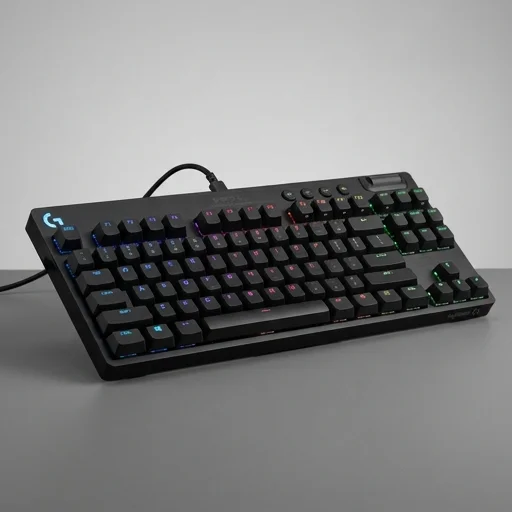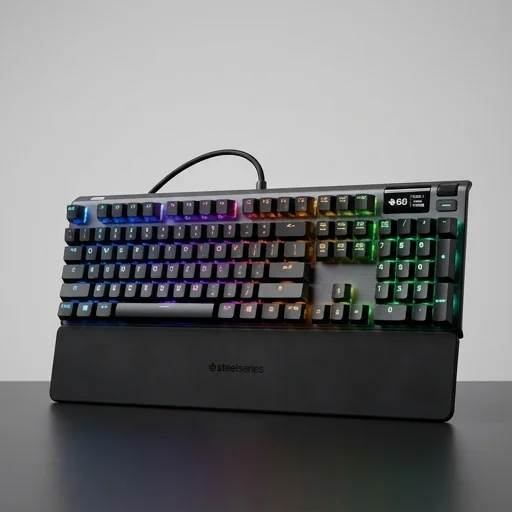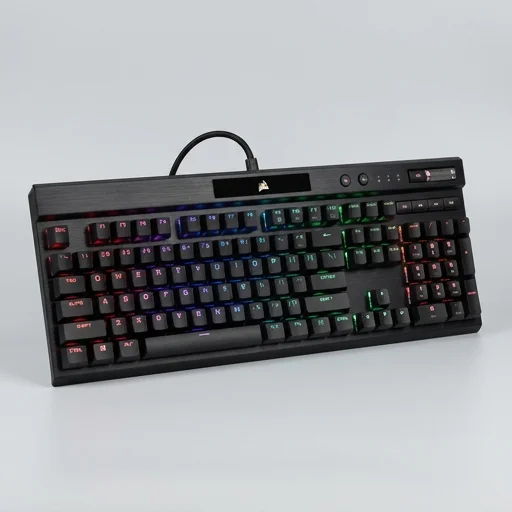
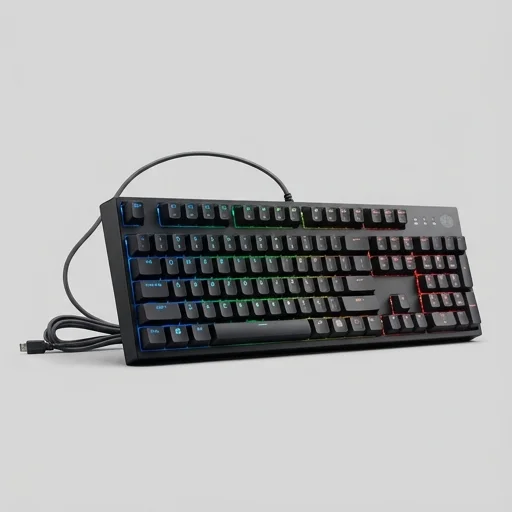
The Cooler Master MasterKeys Pro L remains a solid choice for gamers and typists who want genuine Cherry MX switches, full per-key RGB customization, and rock-solid build quality without being tied to bloated software. While its media key layout and software polish show some age, the fundamentals—switch quality, aluminum frame, and onboard profile storage—make it a reliable workhorse for competitive gaming and everyday typing alike.
Tech Specifications
Pros
- Genuine Cherry MX switches offer excellent tactile feedback and durability
- Per-key RGB lighting allows deep customization
- Onboard memory means profiles work without software installed
- Detachable cable adds portability and easy replacement
- Sturdy aluminum construction feels premium
- Software is optional, keyboard fully functional standalone
Cons
- Software (Cooler Master Portal) can feel clunky and outdated
- No dedicated media keys or volume wheel, relies on FN combos
- Keycaps are standard ABS and can shine over time
- Bulky compared to modern slim keyboards
- Lacks wrist rest in the standard package
Customer Reviews
Still holding up great
Bought this years ago and the Cherry MX Browns still feel fantastic. Aluminum plate has zero flex. Software is a bit dated but I barely use it since profiles save onboard.
Great switches, meh software
The typing feel is excellent and RGB looks vibrant per-key. My only gripe is the companion software crashes occasionally, but the keyboard itself never lets me down.
Solid gaming keyboard
NKRO works perfectly in fast-paced FPS games, no ghosting issues. Wish it had a volume knob instead of FN combos, but overall very reliable.
Built like a tank
The aluminum frame feels indestructible. Cherry MX Blues are satisfying for typing all day at work. Detachable cable is a nice touch for cable management.
Good but showing its age
Still a capable keyboard but keycaps got shiny fast. Also wish it had more media controls. Switches and build quality remain top notch though.